Lauren & Emily — Let’s Plan Your Shoot
This page is here to make planning simple. Below you’ll find the set options and a quick form to fill out so we can get everything organized and keep the shoot running smooth on recording day.
Quick Overview
Step 1: Pick the set(s) you want from the options below.
Step 2: Fill out the form so we can lock in the details (who’s coming, what you’re recording, any must-have shots, etc.).
Step 3: Once we have your info, we’ll confirm everything and make sure the day is dialed in.
Choose Your Set
Select the background that best fits your brand and style. All sets include professional lighting and audio.
After selecting your set below, you'll receive a Calendly link to schedule your recording session.
Studio Sets
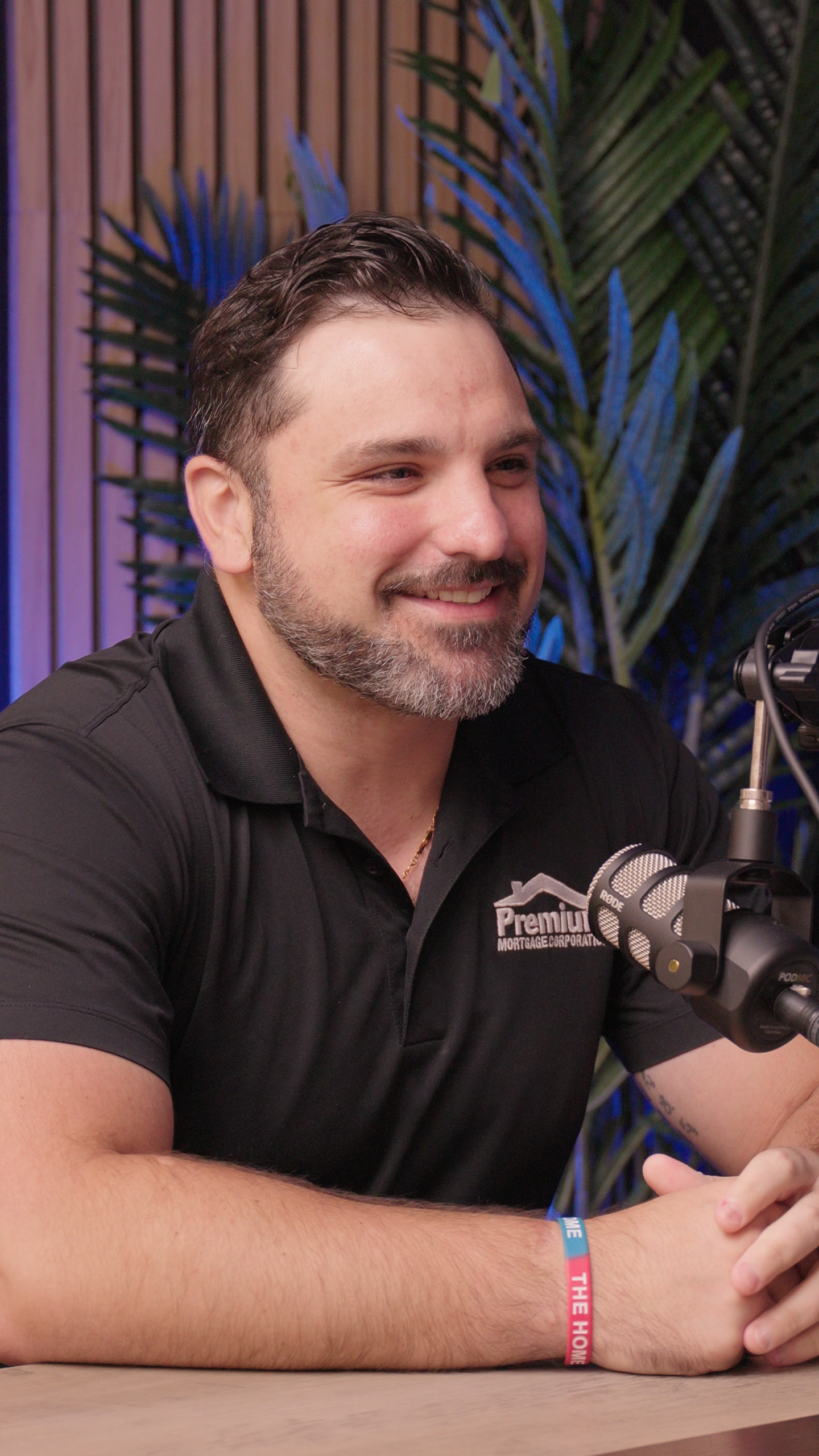
Set 1
Podcast set with slat wall, accent lighting and palm plants
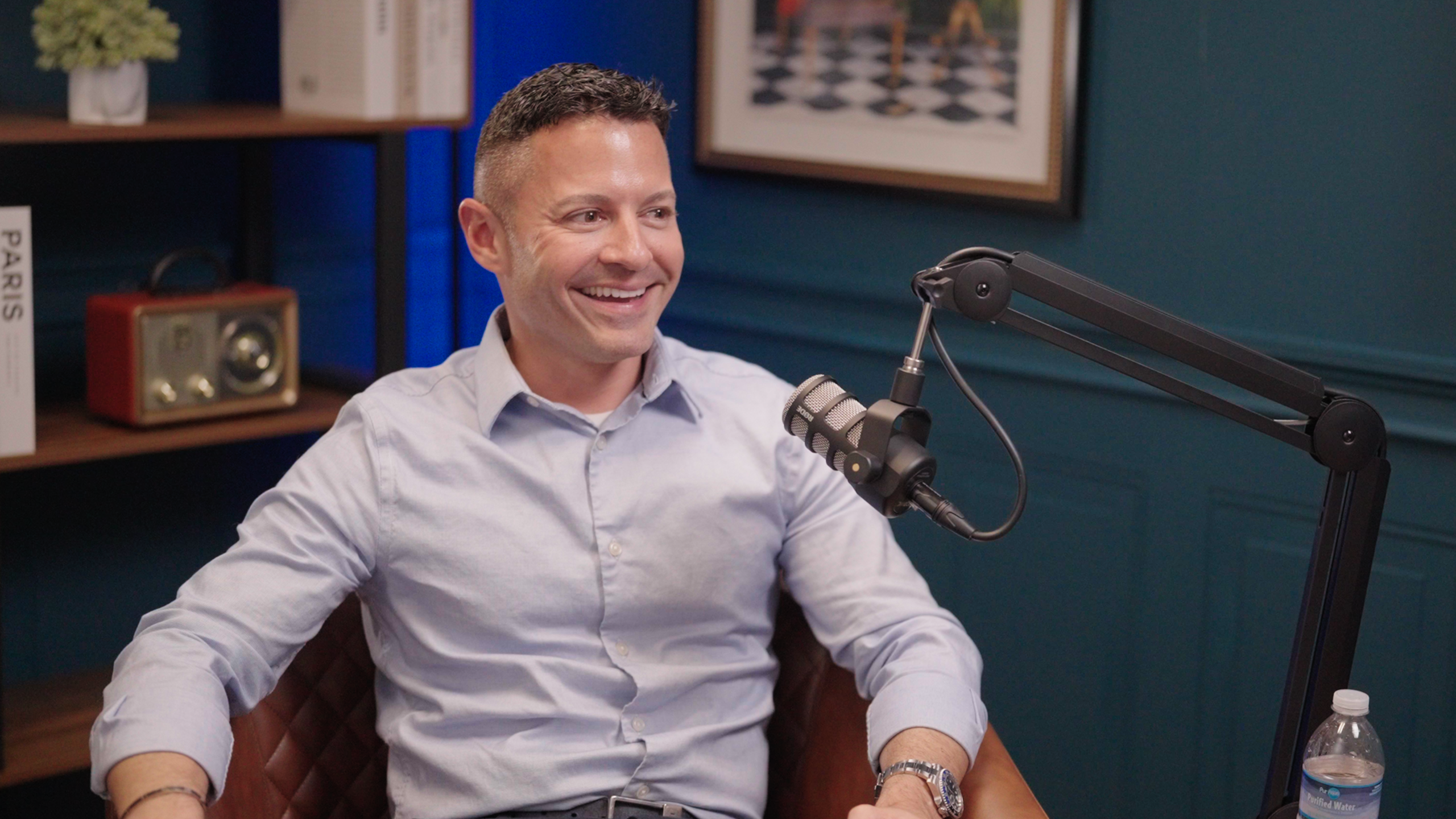
Set 2
Professional mid-century modern
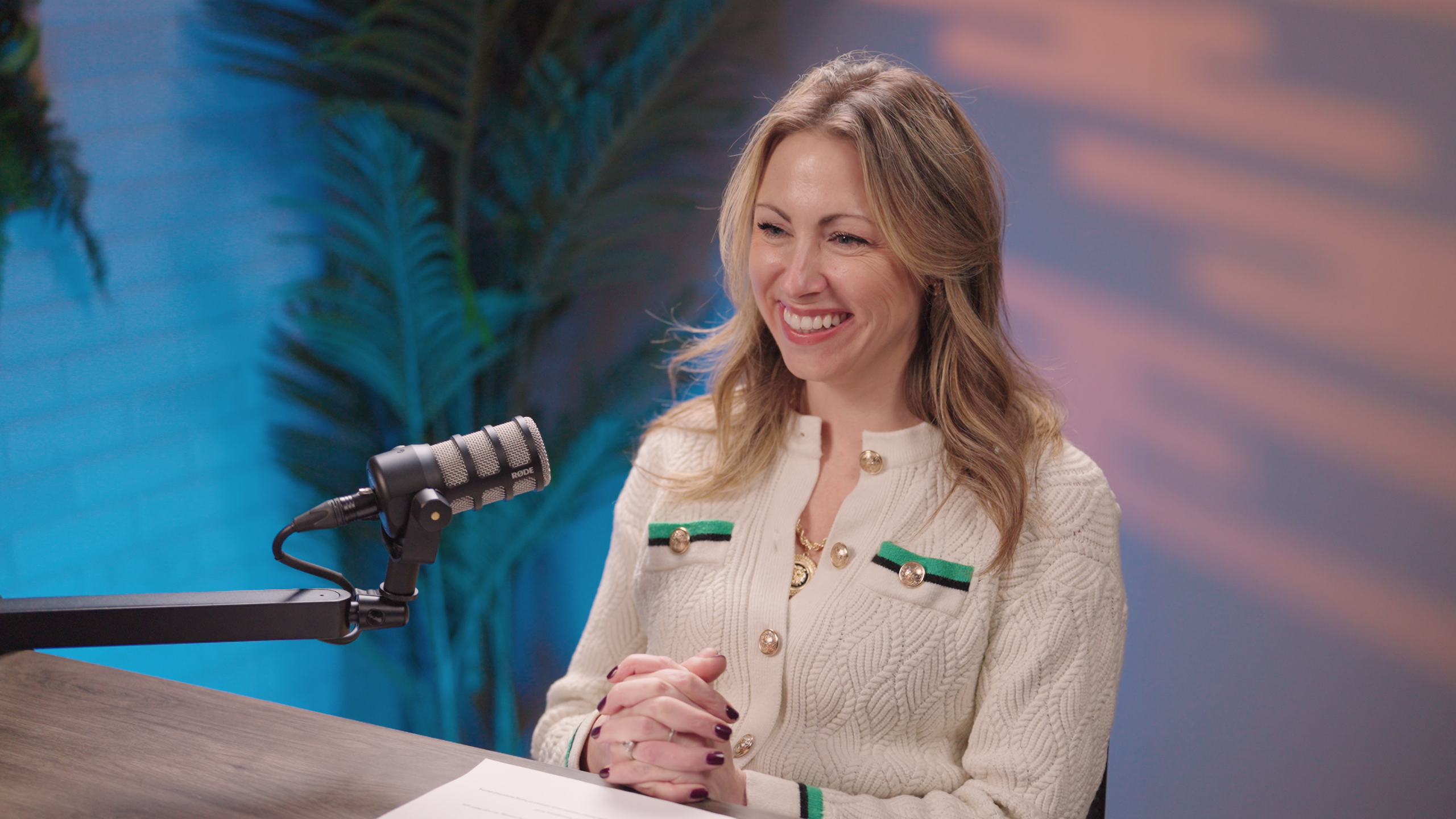
Set 3
Cozy modern set with warm lighting
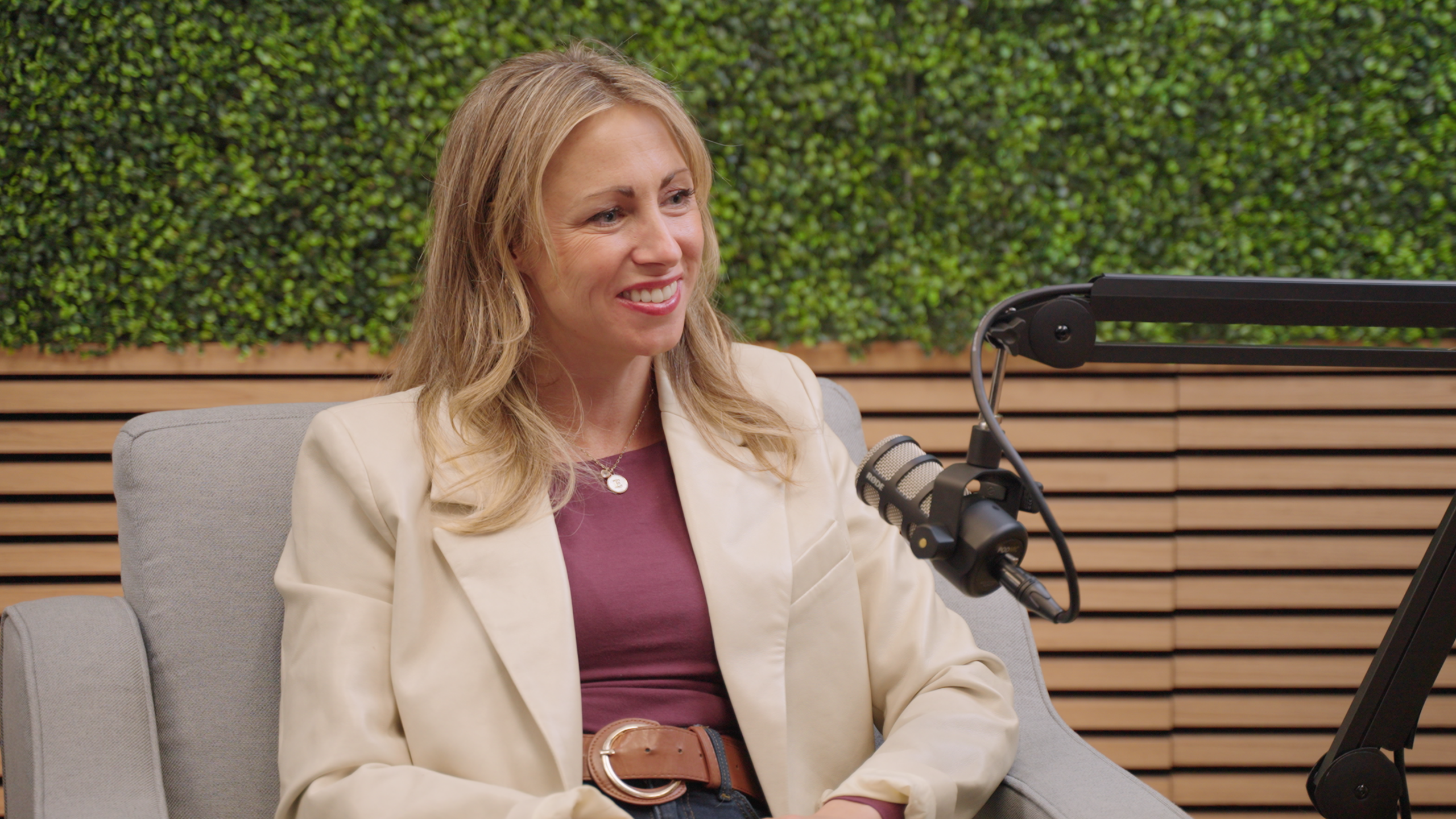
Set 4
Natural greenery wall and wood slats
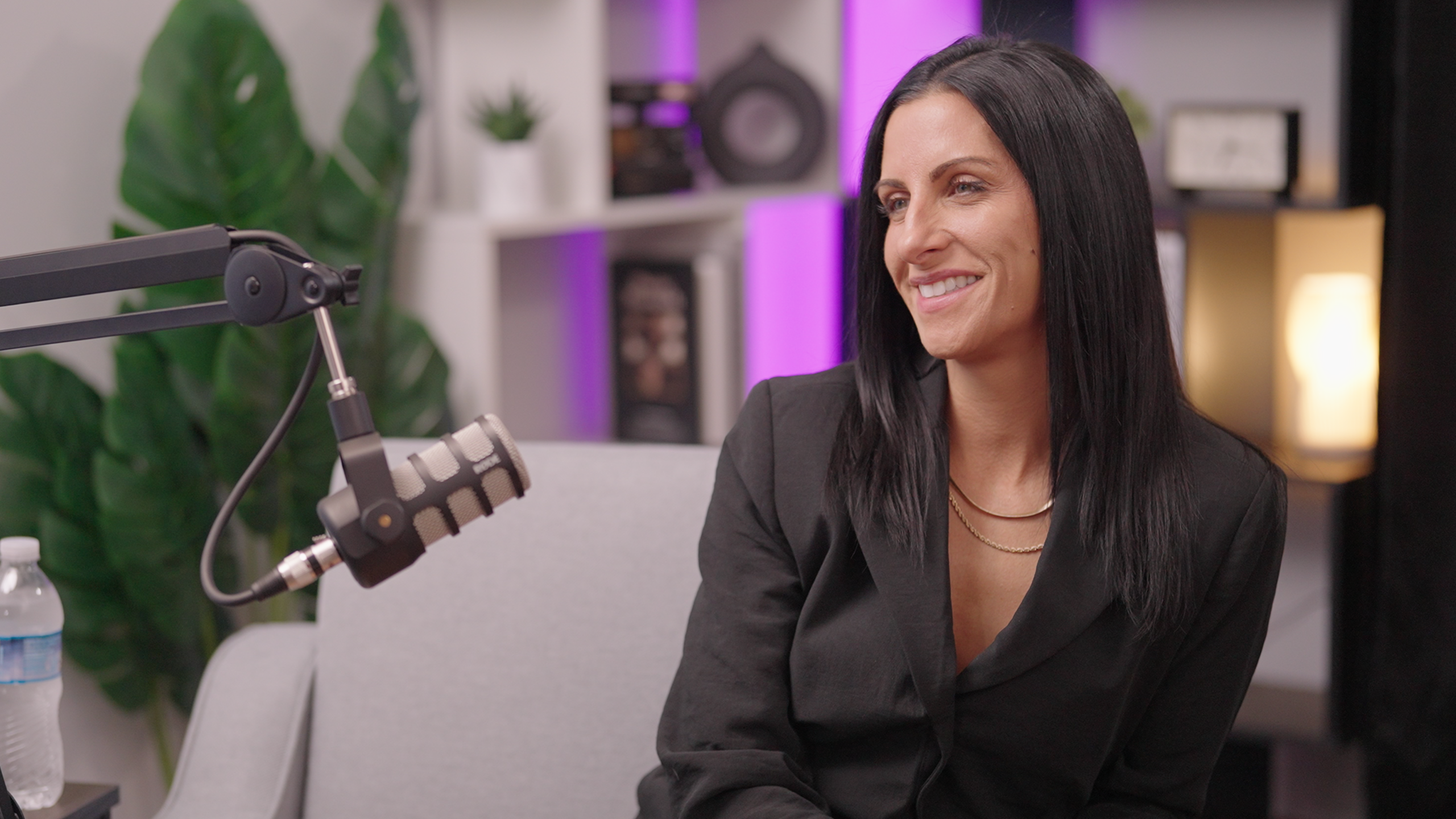
Set 5
Contemporary home office with plants and accent lighting
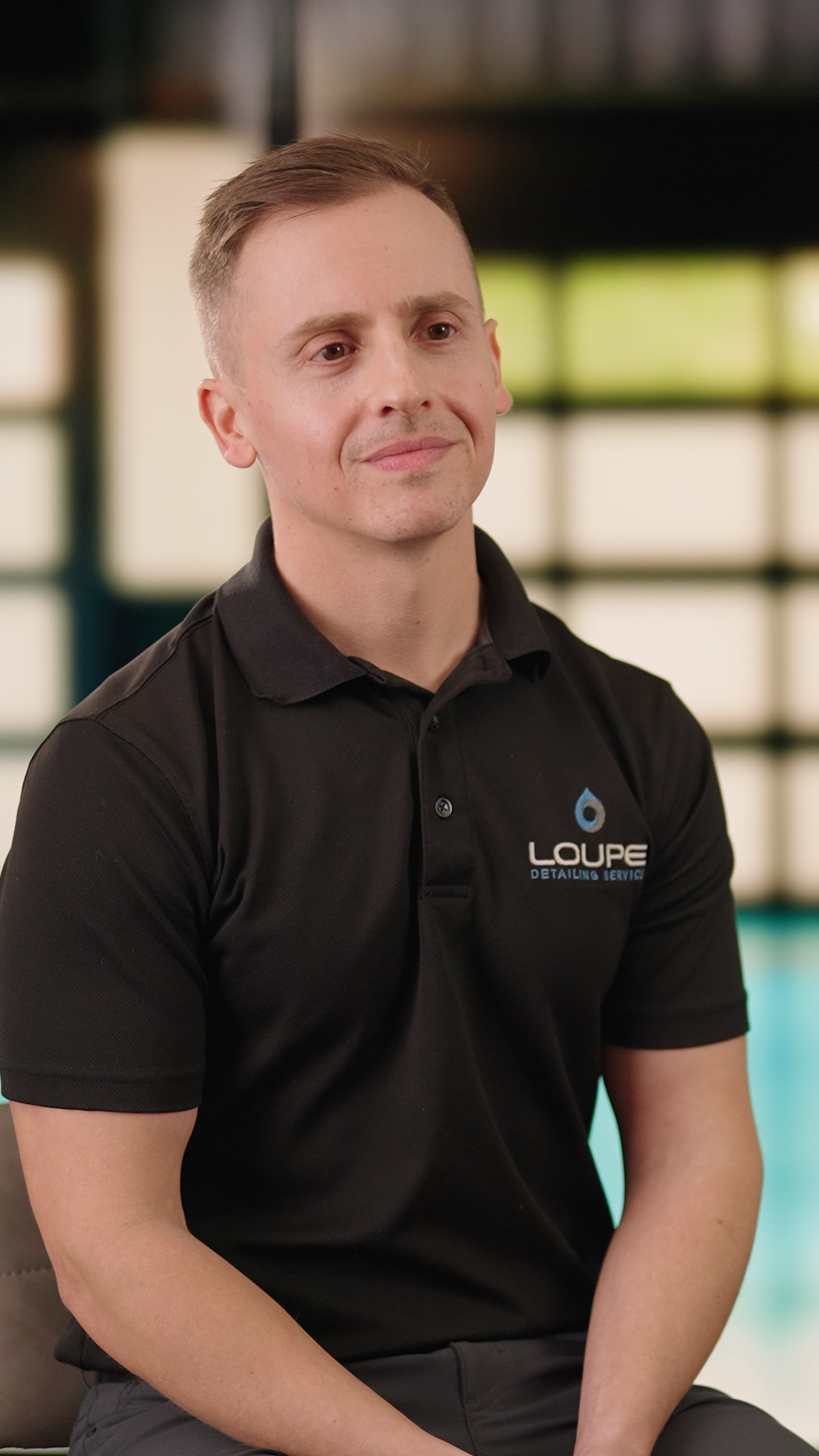
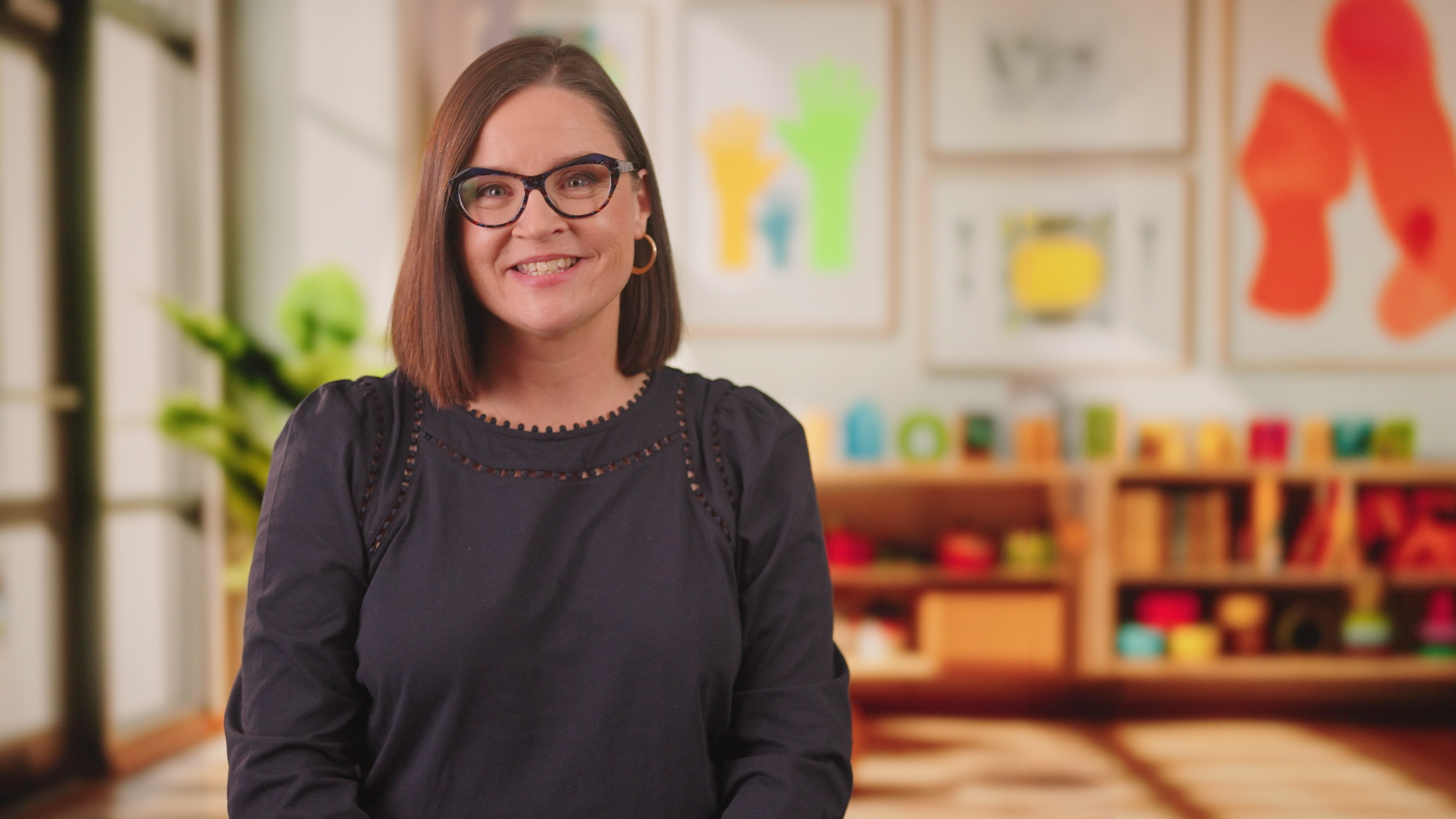
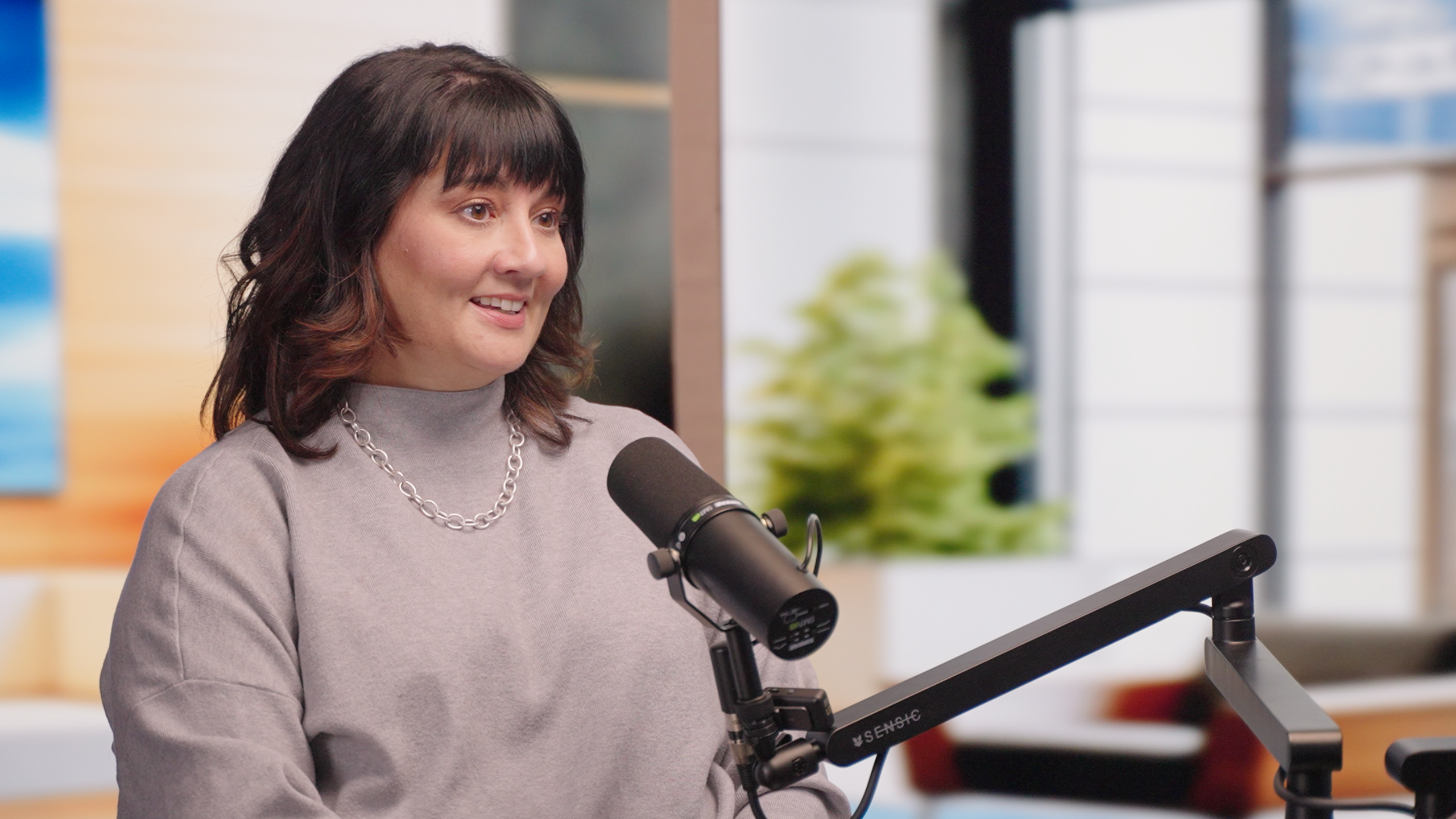
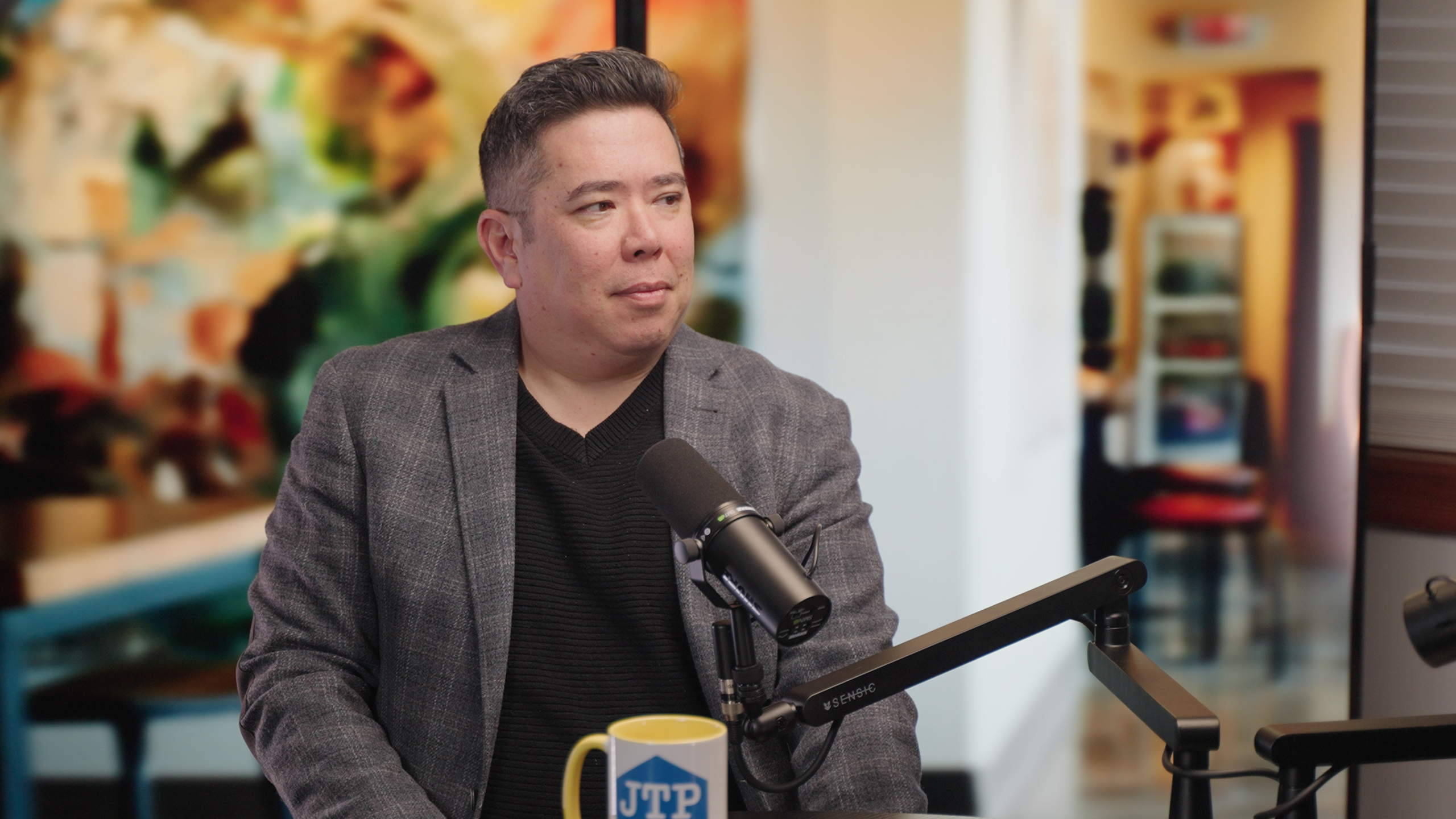
Virtual Production Wall
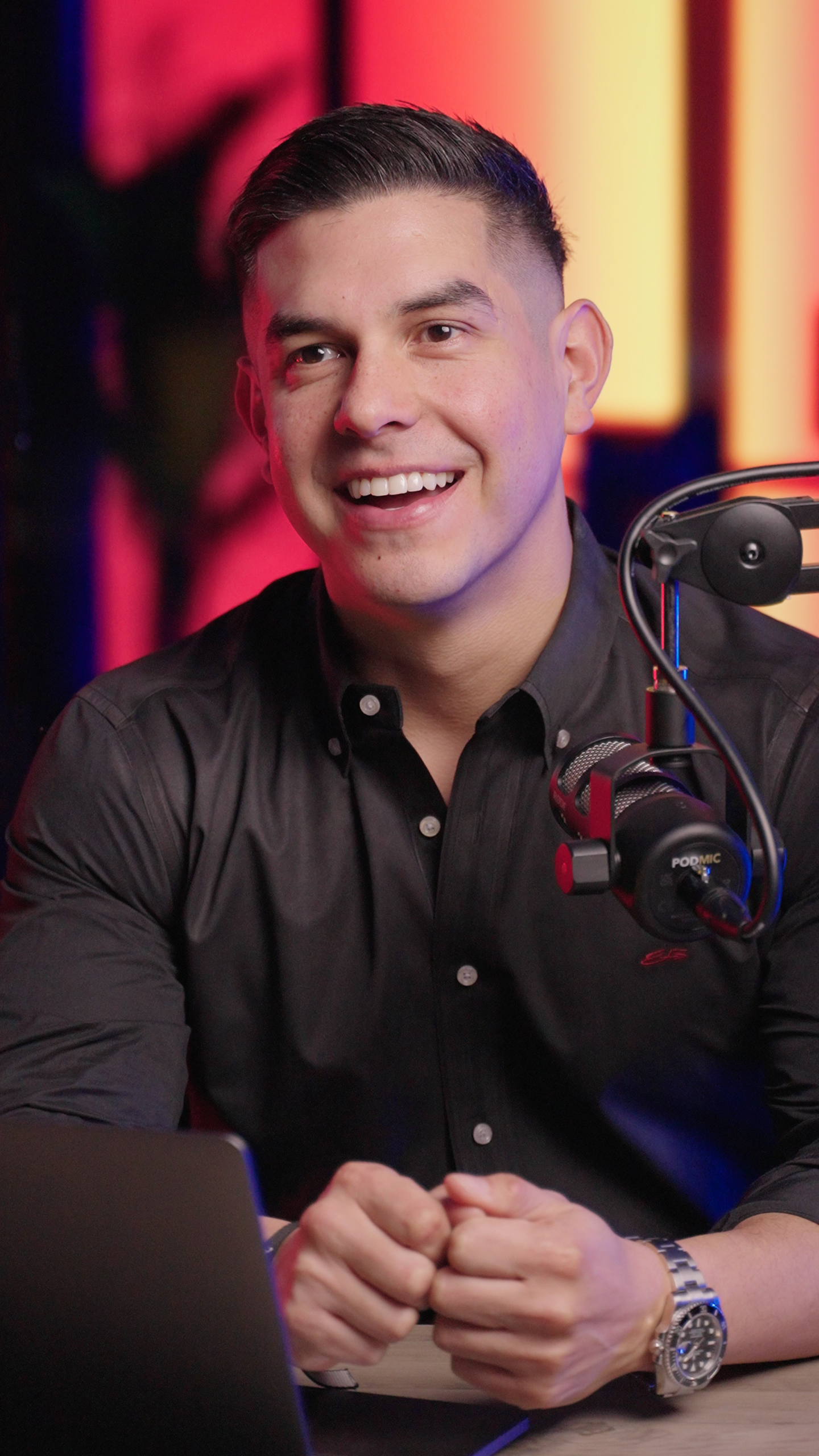
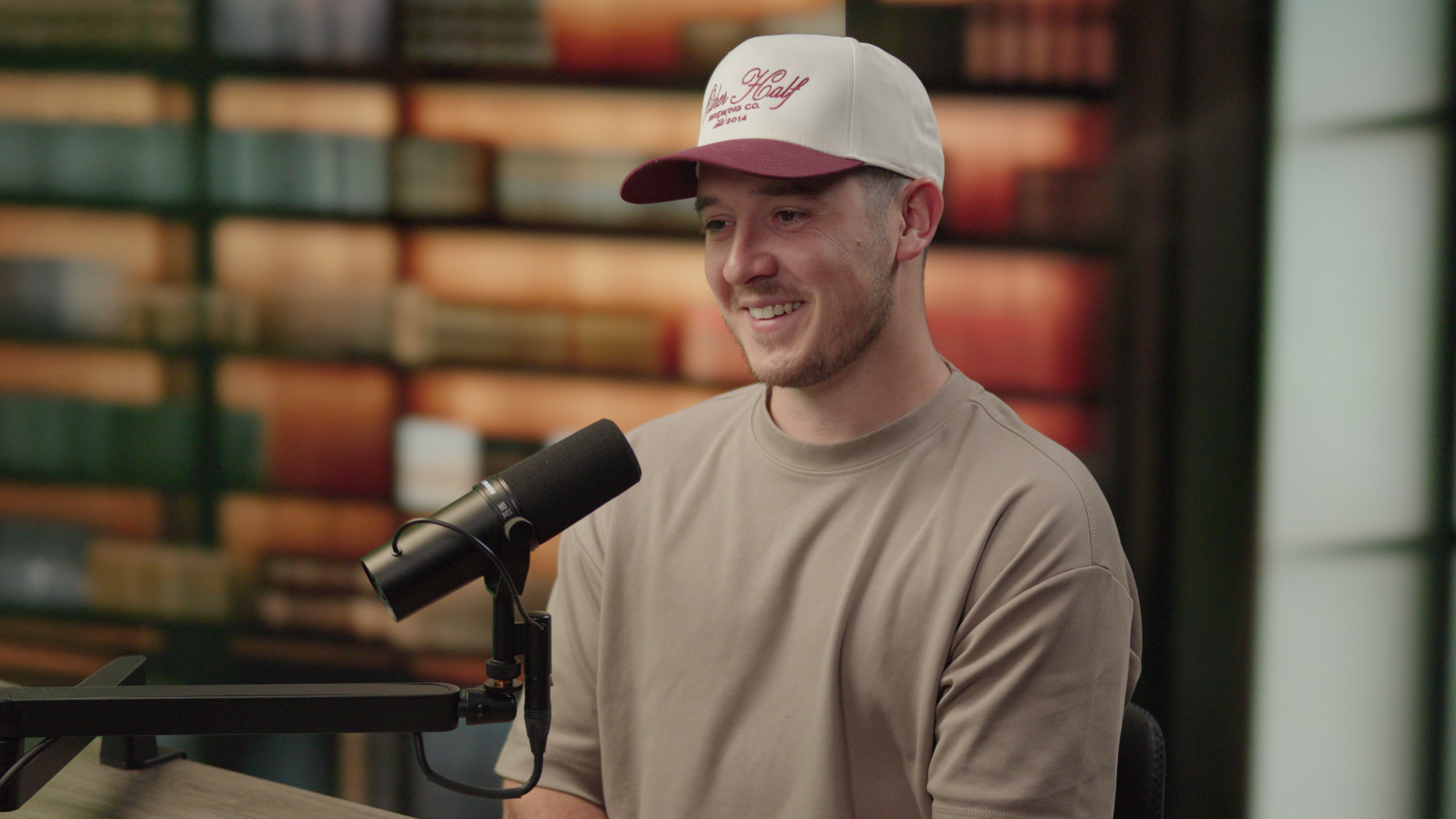
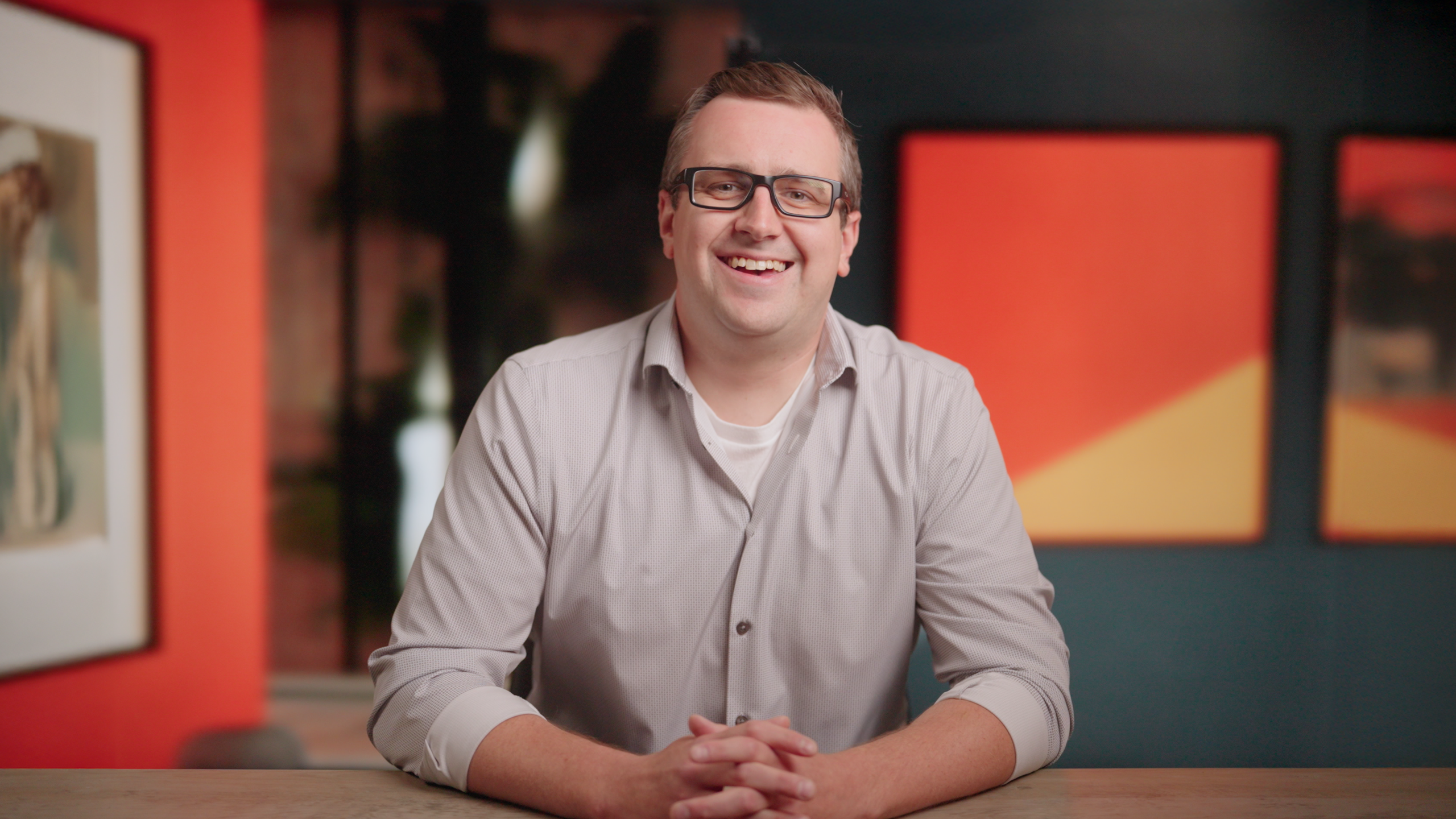
Want something completely custom? Our virtual production wall lets you choose any digital environment - perfect for branded backgrounds or specific locations.
Here are a few examples of what's possible:


Shoot Planning Form
Fill this out so we can prep your sets, seating and order of shooting ahead of time.
How to Prepare
Before Your Session
- Review any notes/questions you want covered on camera
- Bring 3-5 key talking points or prompts (even bullet points is fine)
- Let us know about any logos, products, or visuals you want on screen
- Share guest names/titles in advance so we can label everything correctly
During Recording
- Talk like you’re explaining it to a friend (not a boardroom)
- If you mess up, just pause and restart the sentence
- Leave a beat after important lines (gives us clean edit points)
- Have fun — we’ll keep the technical stuff handled