Welcome to Your Avatar Setup!
You're about to create your AI-powered clone. Here's everything you need to know to make your shoot smooth, professional, and successful.
What to Expect
Your avatar setup session takes about 30-45 minutes. Here's the simple process:
Arrive & Setup
We'll get you mic'd up and positioned in front of your chosen background. We'll do a quick camera check to make sure everything looks perfect.
Record Your Script
You'll read a short 2-minute script to camera. This gives our AI the training material it needs to clone your voice and mannerisms.
Change Looks
Depending on your package, you'll change outfits and/or backgrounds and repeat the script. Each look gives you more versatility.
We Take It From Here
Once you leave, we train your AI models. You'll receive a consent link, approve it, and then we'll start creating your avatar content!
Choose Your Backgrounds
Select the backgrounds you'd like to use for your avatar. The number of looks depends on your package.
You can mix and match backgrounds with different outfits to maximize variety.
Physical Studio Sets
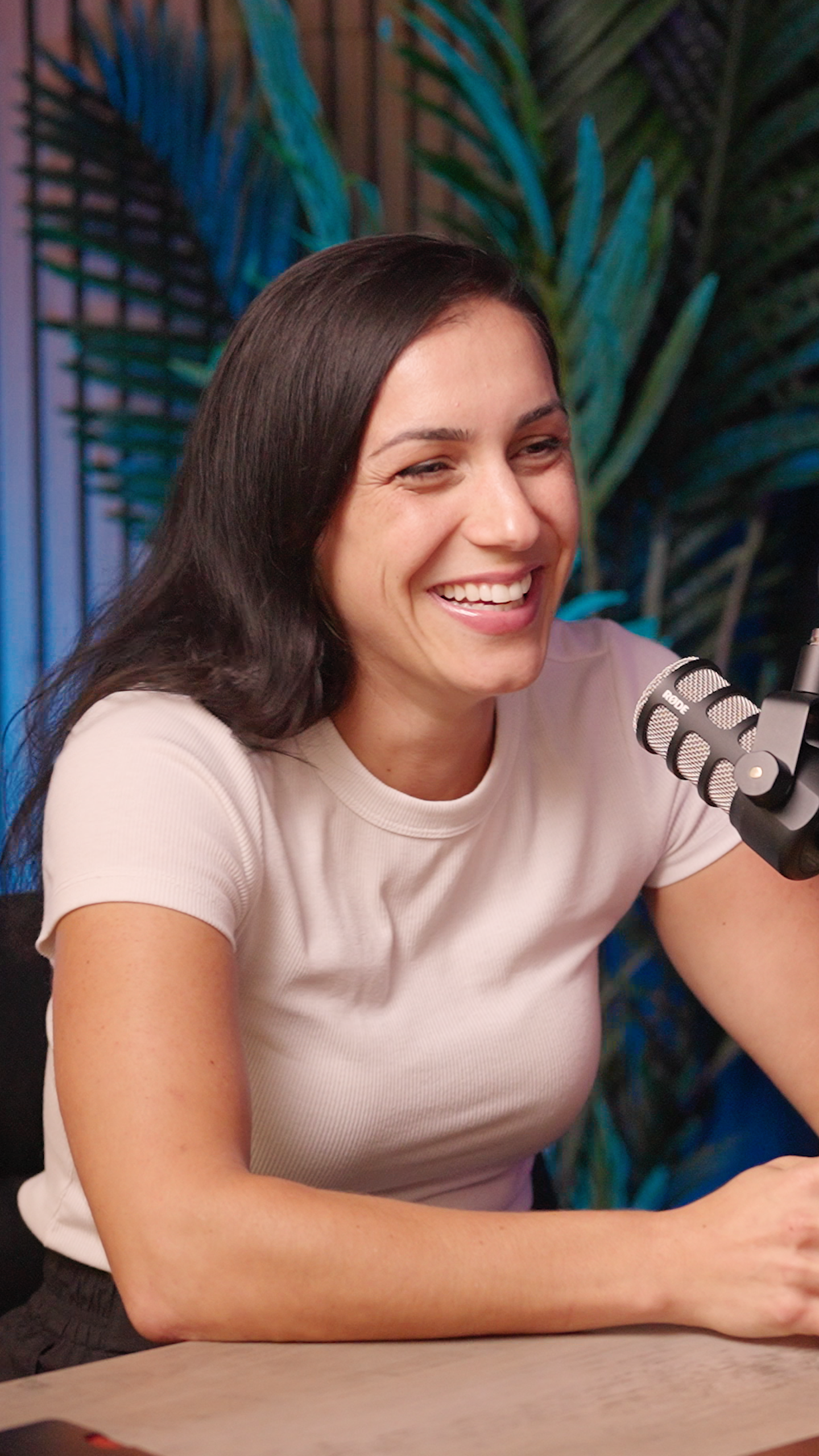
Set 1
Podcast set with purple accent lighting and palm plants
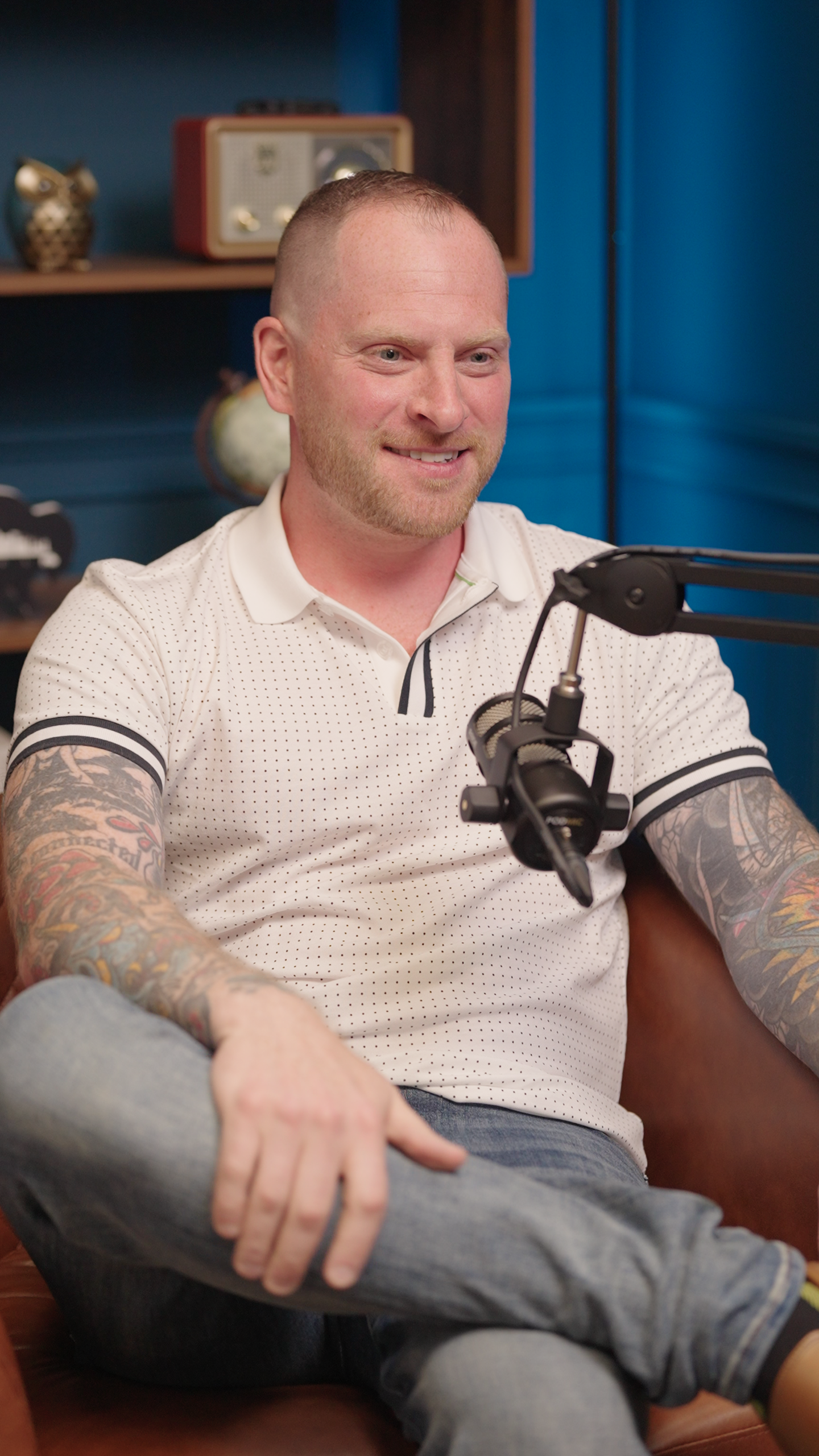
Set 2
Professional blue backdrop with vintage decor and shelving
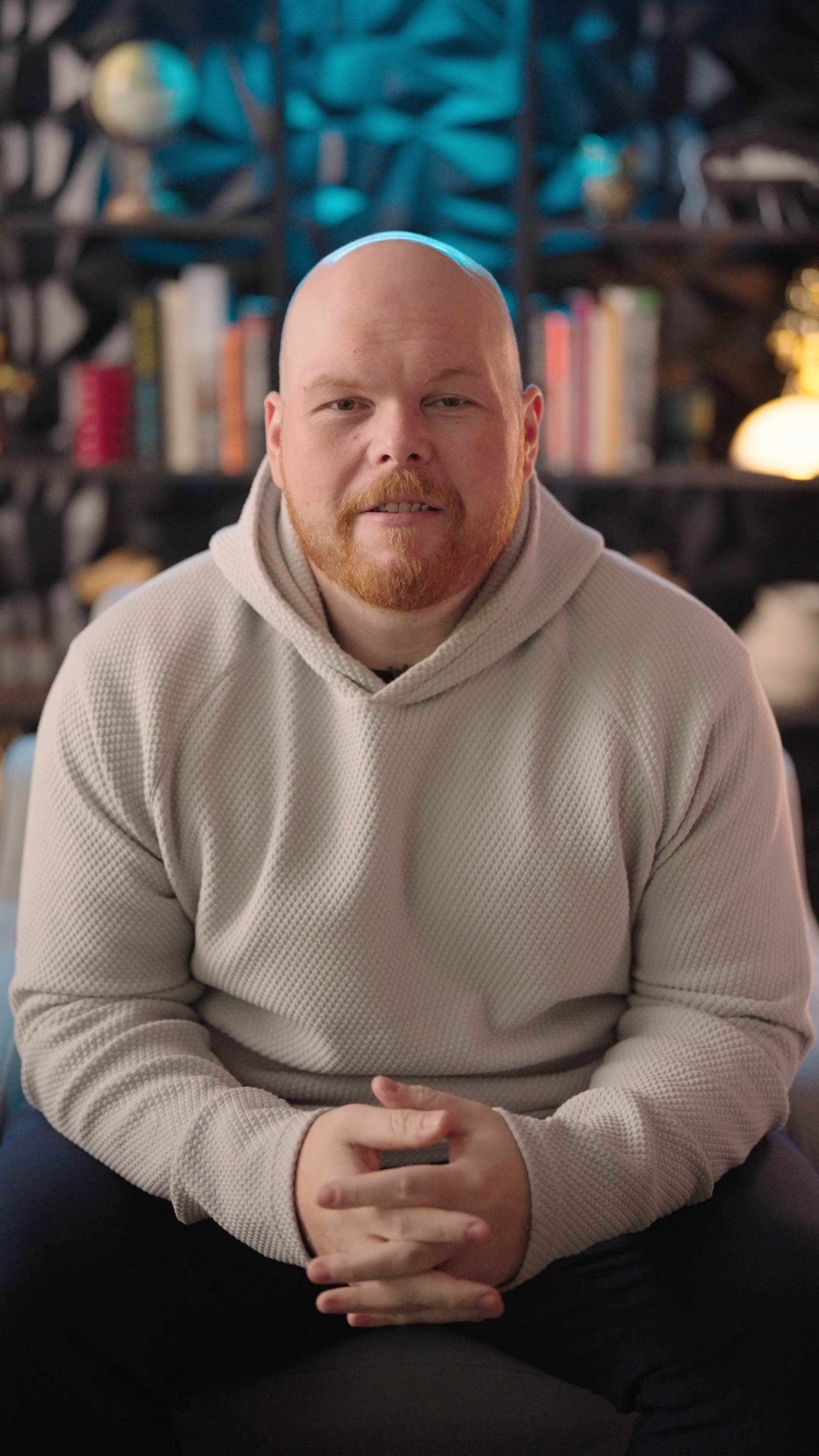
Set 3
Colorful bookshelf background with warm lighting
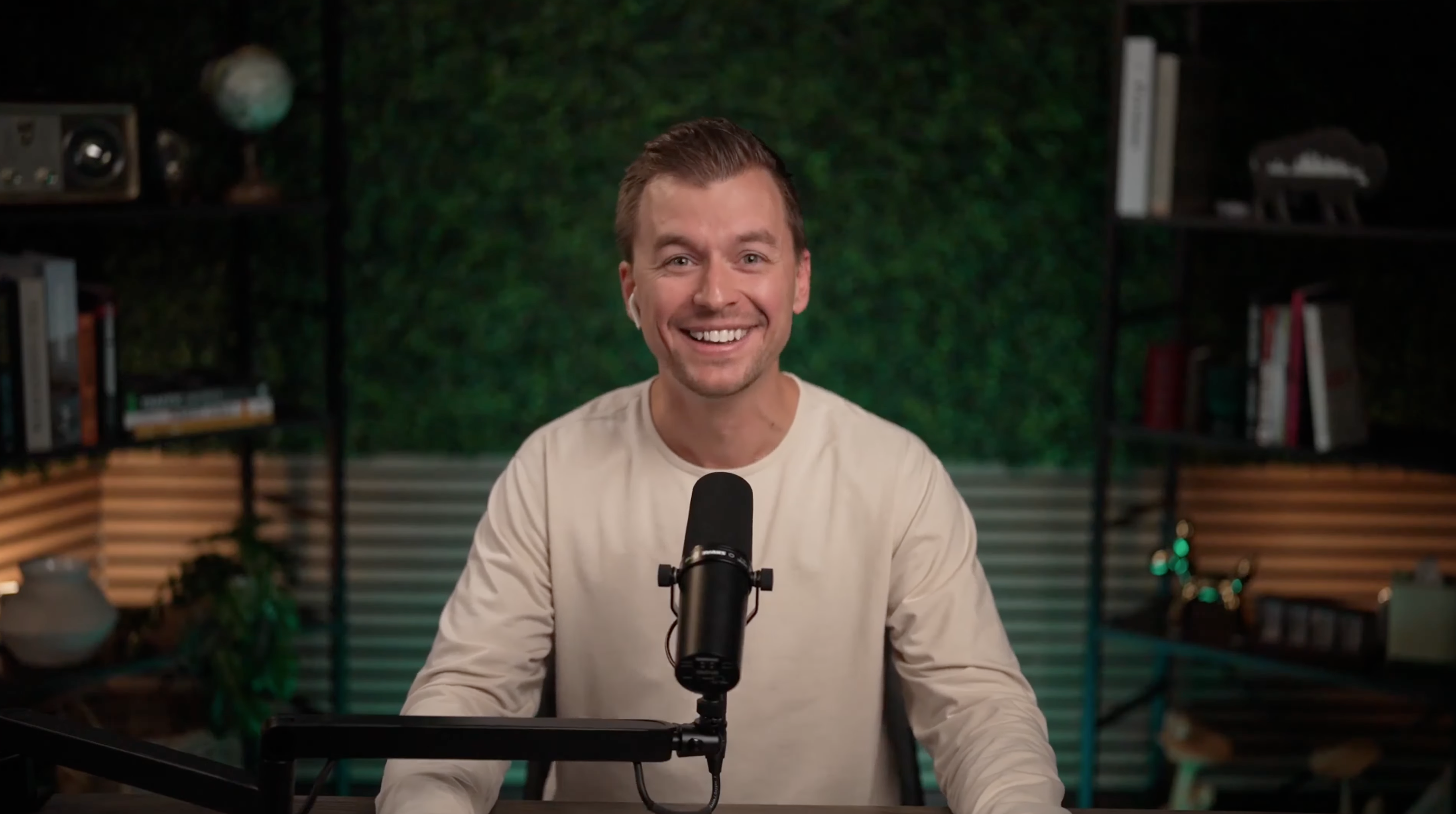
Set 4
Natural green leafy backdrop with shelving
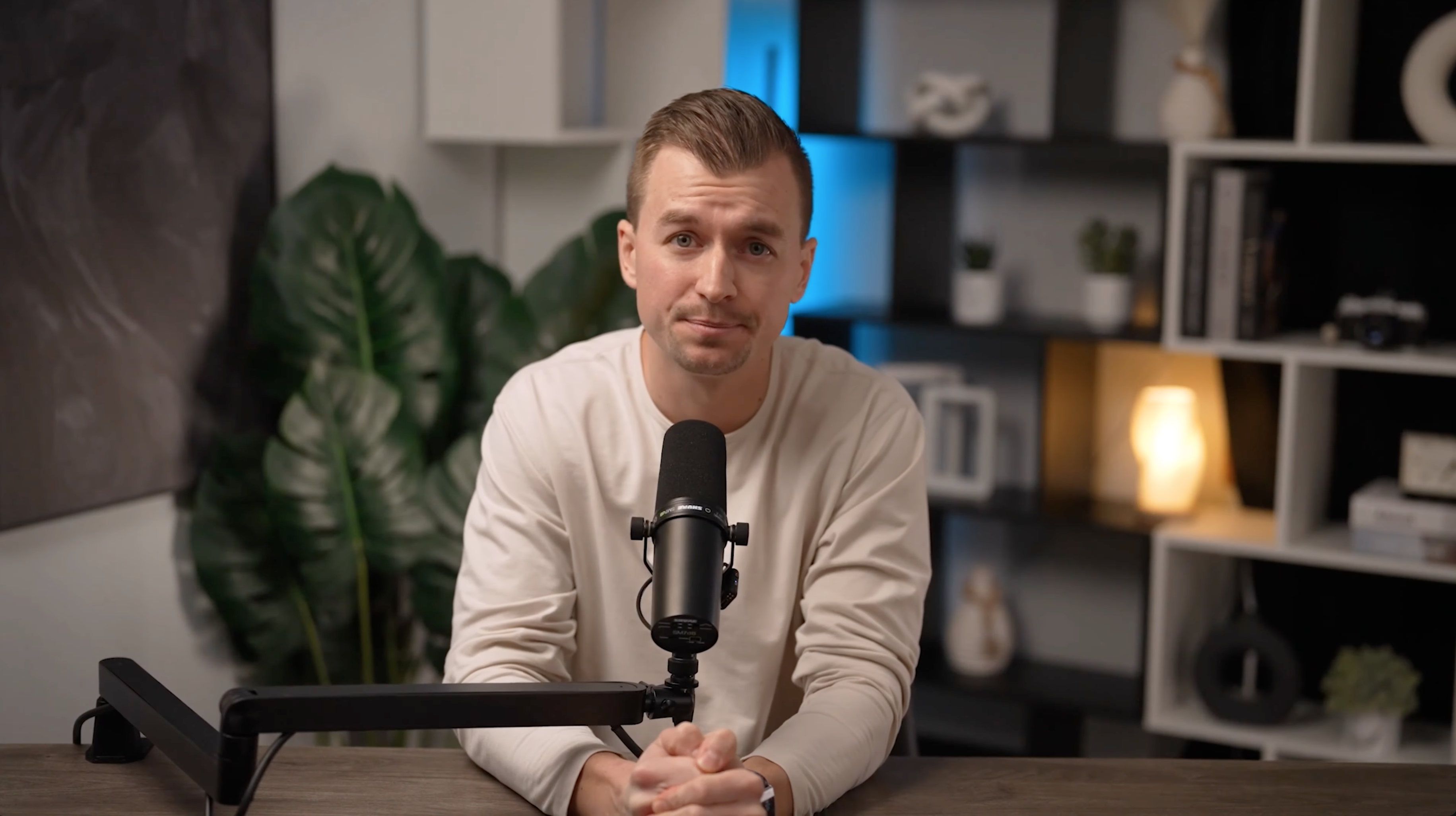
Set 5
Contemporary home office with plants and blue accent lighting
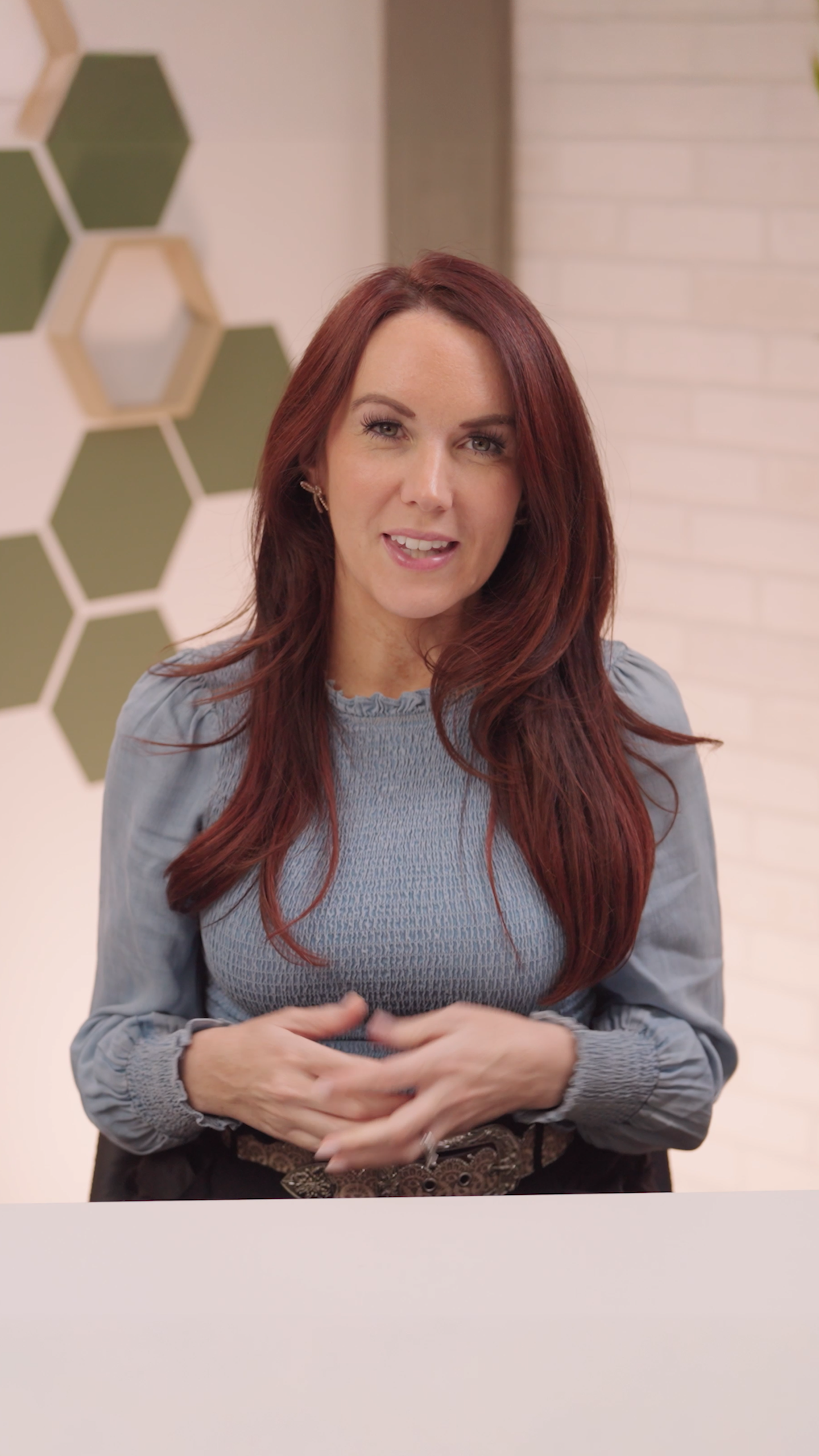
Set 6
Clean white backdrop with geometric hexagon panels
Green Screen
Use green screen for maximum flexibility - we can place you anywhere in post-production!
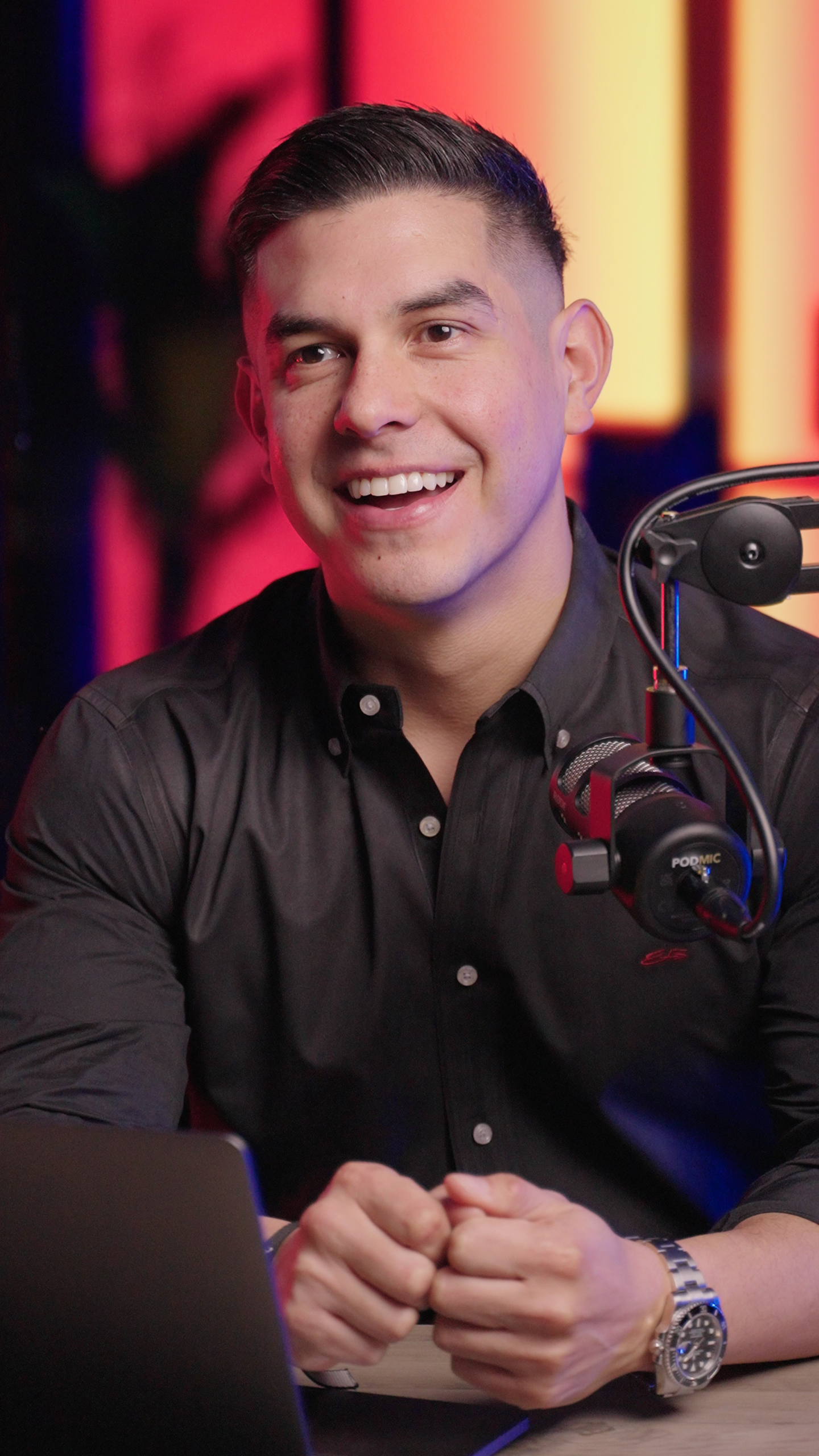
Virtual Production Wall
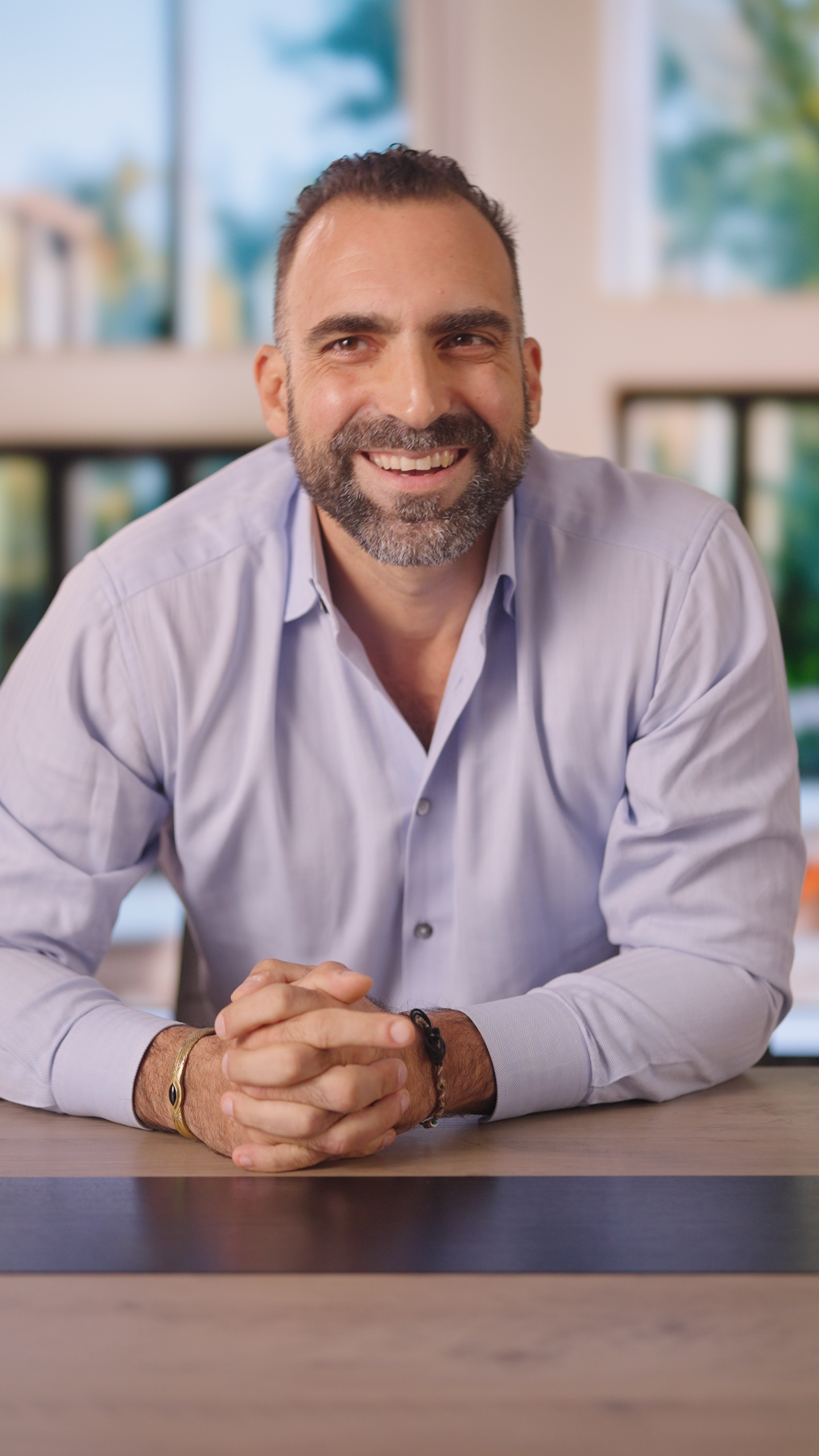
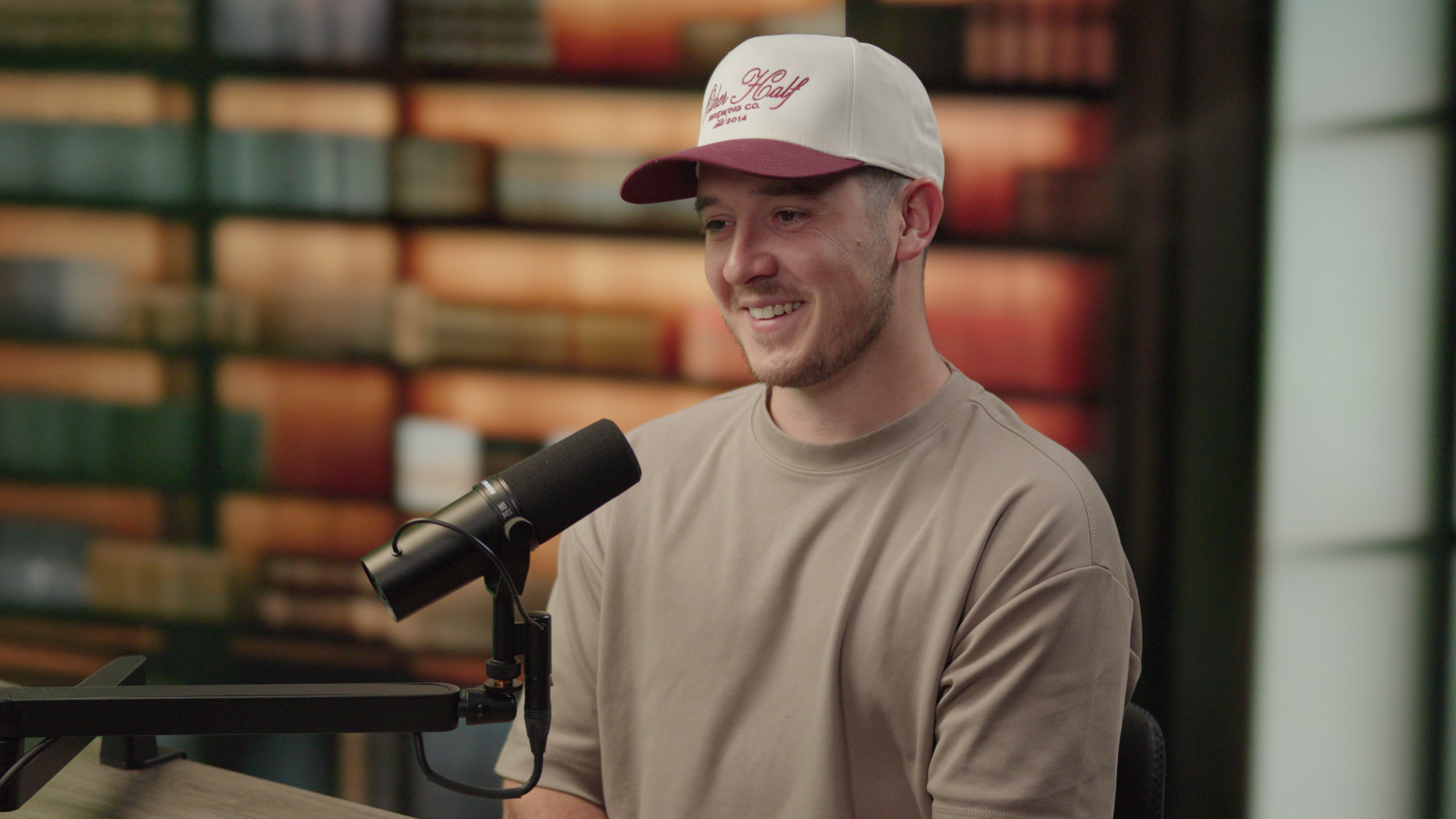
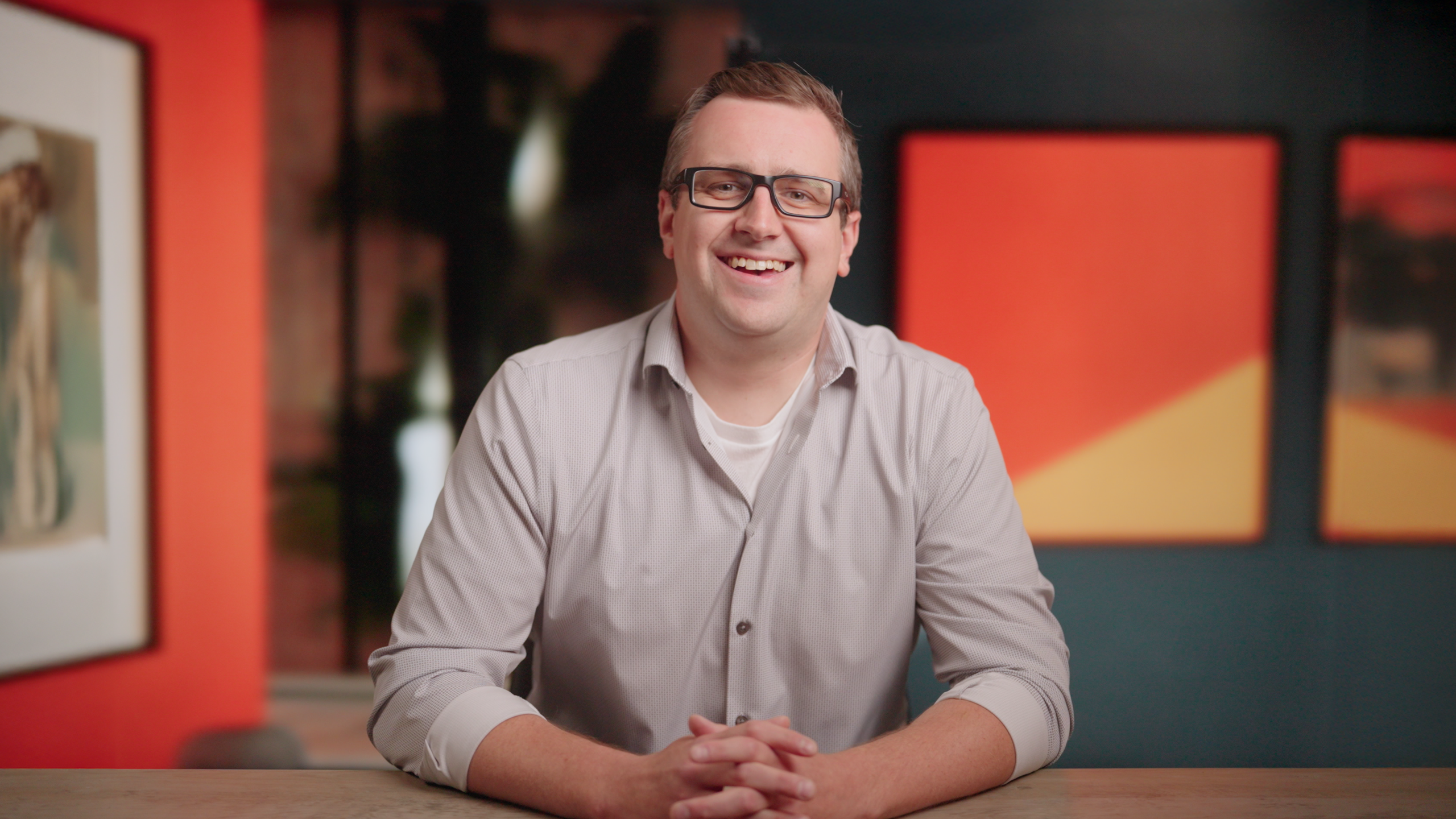
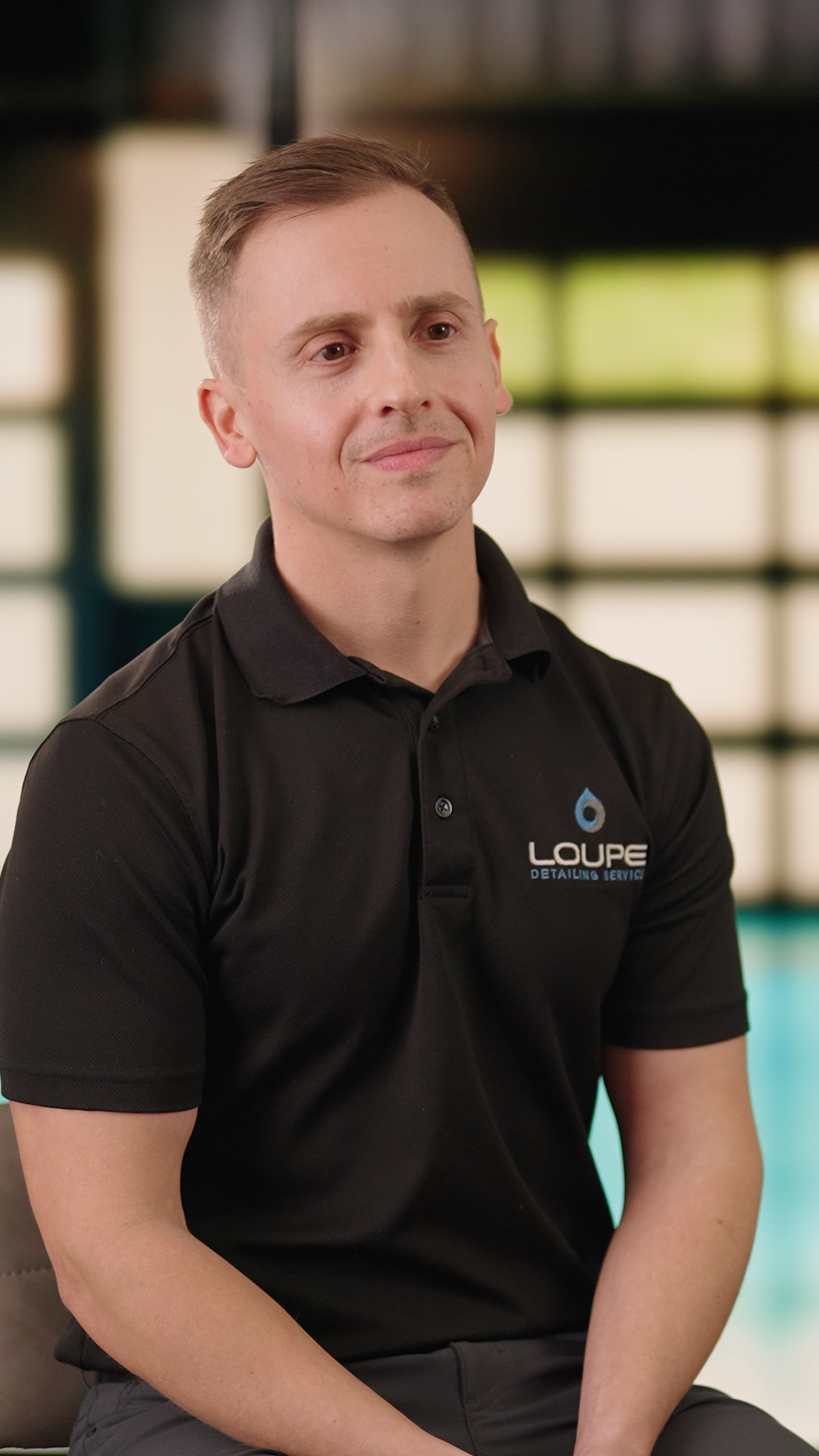
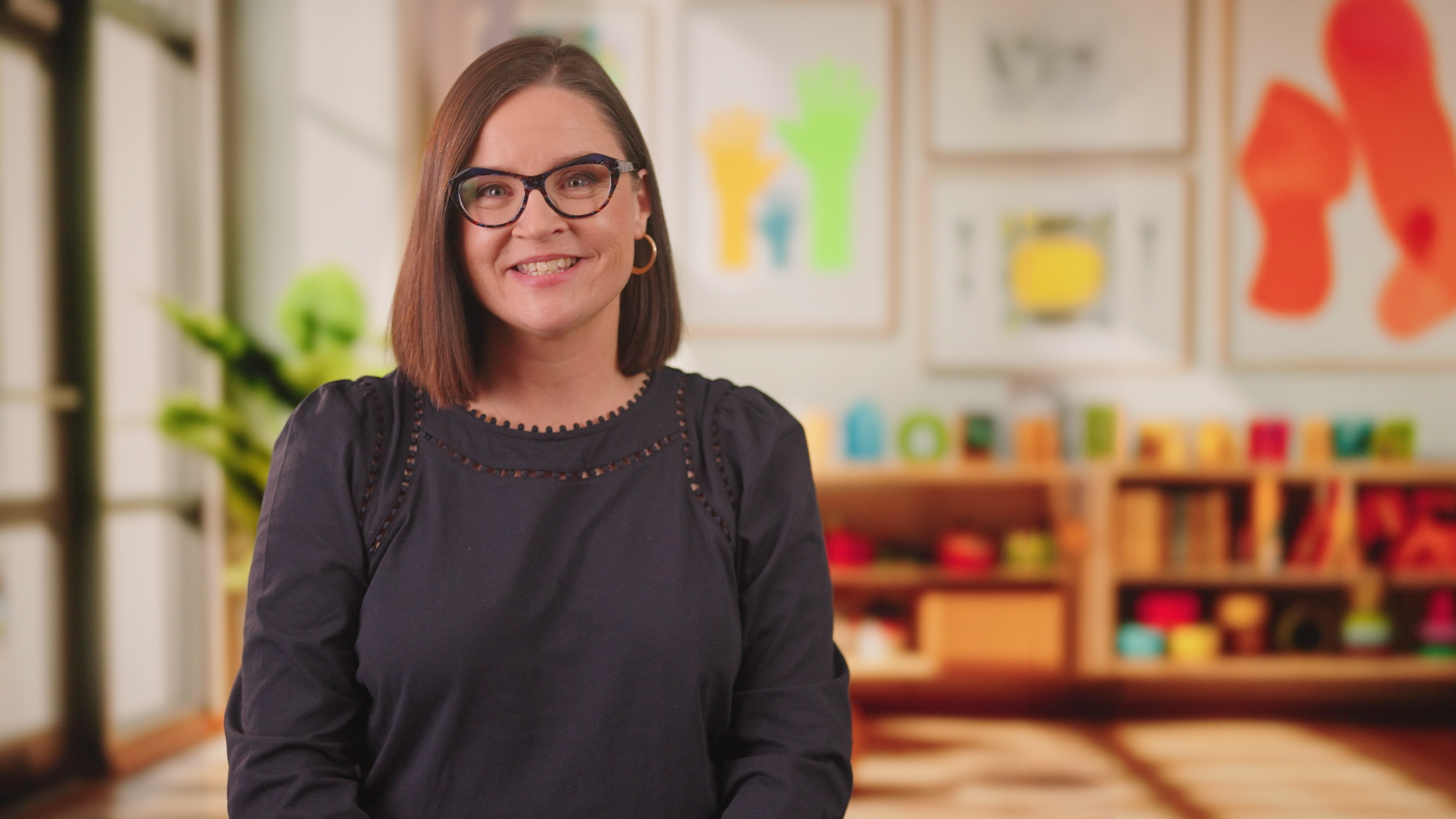
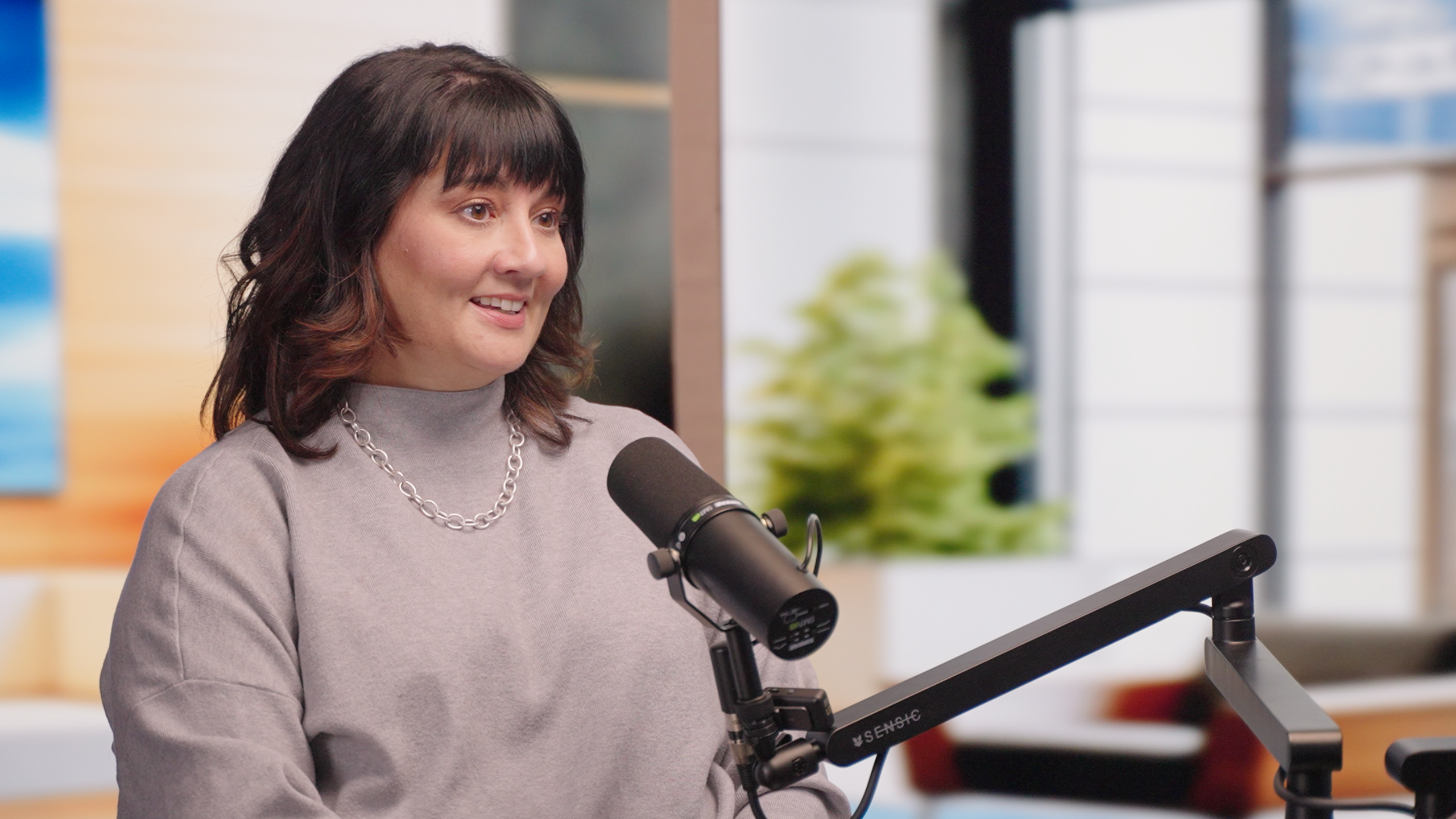
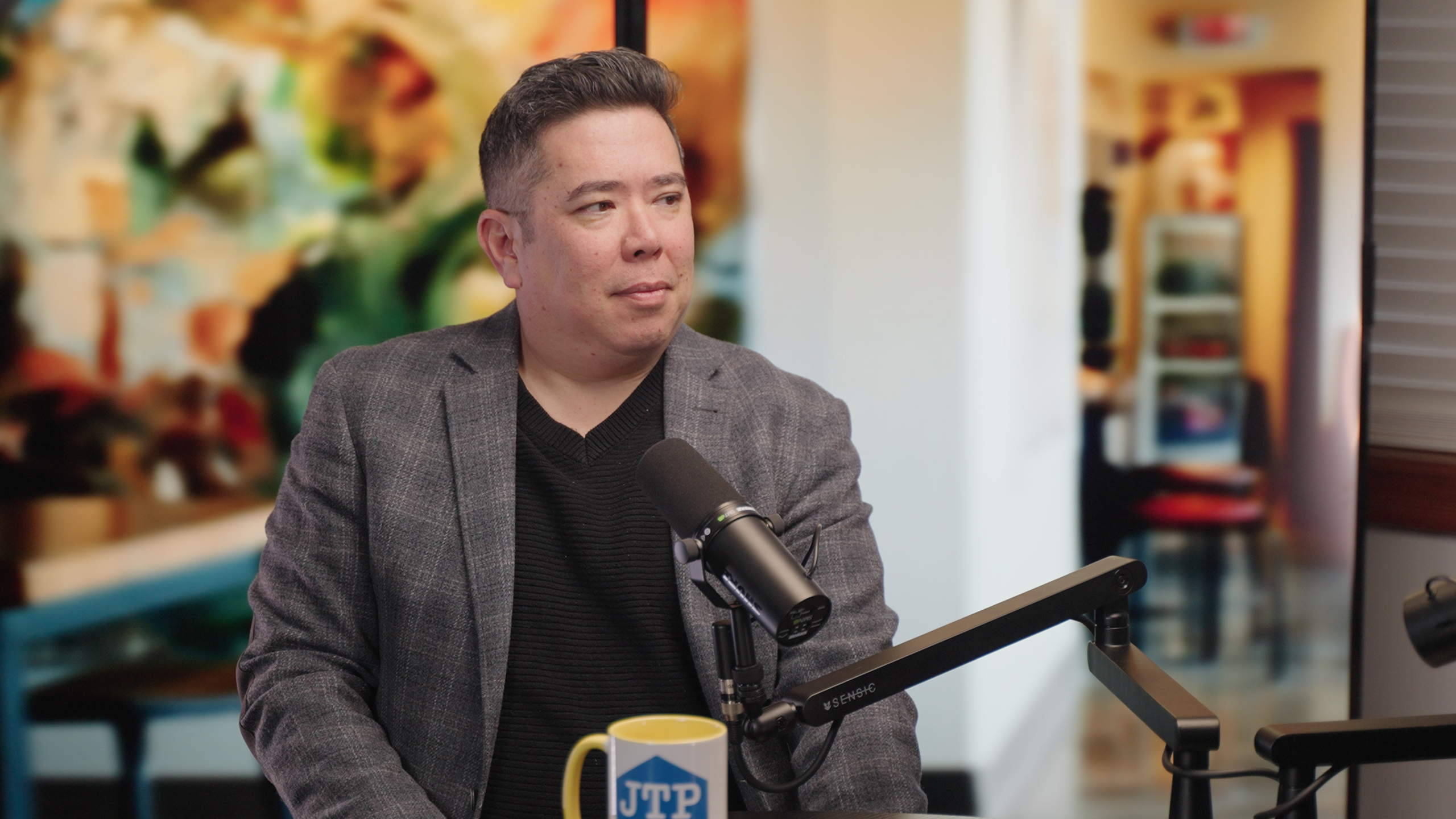
Create a completely custom digital environment with our virtual production wall. Perfect for unique branding or specific locations.
Here are just a few examples of what's possible:

What to Bring
✓ Multiple Outfits
Bring the number of outfit changes based on your package:
- Presence Avatar: 2 looks
- Authority Avatar: 4 looks
- Influence Avatar: 6 looks
Think about different contexts - casual, business formal, creative, etc.
✓ Preparation
- Review the script we'll send you beforehand
- Practice reading it a few times
- Get a good night's sleep
⚠️ Important: What NOT to Wear
If you selected the Green Screen background: Do NOT wear anything green or it will become transparent. Avoid green shirts, ties, jewelry, or accessories.
General tips: Avoid busy patterns, fine stripes, or all-white outfits. Solid colors work best on camera.